
I previously bought an Android phone to use as a development machine and had already installed Termux Ubuntu. Next I wanted to try running a desktop environment. I had used XFCE4 on Arch Linux before and liked how clean and simple it felt, so I chose XFCE4 for the desktop.
-
A phone with at least 6GB RAM is recommended.
-
The version used during testing was Android 13.
Install the desktop environment first:
pkg install x11-repo
pkg install xfce xfce4-goodies pulseaudio pavucontrol vim firefox
After installation, you can display the desktop through termux-x11. Next, install termux-x11.
Release Nightly Release 20250609 · termux/termux-x11
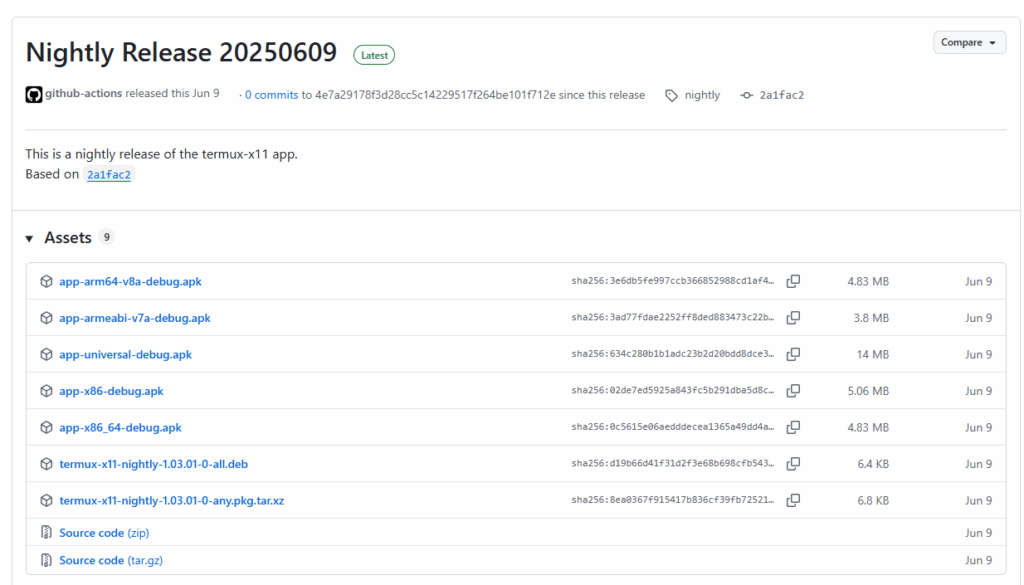
Install app-arm64-v8a-debug.apk.
After the installation succeeds, you can try launching it. Below is the startup script I used (generated with AI assistance):
#!/bin/bash

# ========== 停止舊行程 ==========
echo "🔻 殺掉舊行程..."
killall -9 termux-x11 pulseaudio virgl_test_server_android termux-wake-lock 2>/dev/null

# ========== 啟動 Termux X11 APP ==========
echo "🧠 啟動 Termux X11 APP..."
am start --user 0 -n com.termux.x11/com.termux.x11.MainActivity

# ========== 啟動 Termux X11 Server(如果還沒跑) ==========
echo "🖥️ 啟動 Termux X11 Server..."
if pgrep -x "termux-x11" > /dev/null; then
  echo "✔️ X Server 已啟動,略過..."
else
  XDG_RUNTIME_DIR=${TMPDIR}
  termux-x11 :0 -ac &
  sleep 3
fi

# ========== 啟動 PulseAudio ==========
echo "🔊 啟動 PulseAudio..."
pulseaudio --start --exit-idle-time=-1
pacmd load-module module-native-protocol-tcp auth-ip-acl=127.0.0.1 auth-anonymous=1

# ========== 啟動 virgl 渲染器(GPU加速)==========
echo "🚀 啟動 GPU virgl 渲染器..."
virgl_test_server_android &

# ========== 啟動 XFCE 桌面 ==========
echo "🖼️ 啟動 XFCE 桌面..."
export DISPLAY=:0
export PULSE_SERVER=tcp:127.0.0.1

# 加入畫面放大參數(讓桌面、字體更大更清楚)
export GDK_SCALE=2
export GDK_DPI_SCALE=0.5

# 啟動桌面環境

echo "✅ XFCE 桌面啟動中!稍等幾秒後應會顯示在 Termux X11 畫面"

dbus-launch --exit-with-session startxfce4 2>&1 | tee ~/xfce-log.txt
Save it as ~/.shortcuts/start_xfce.sh and launch it:
chmod +x ~/.shortcuts/start_xfce.sh
~/.shortcuts/start_xfce.sh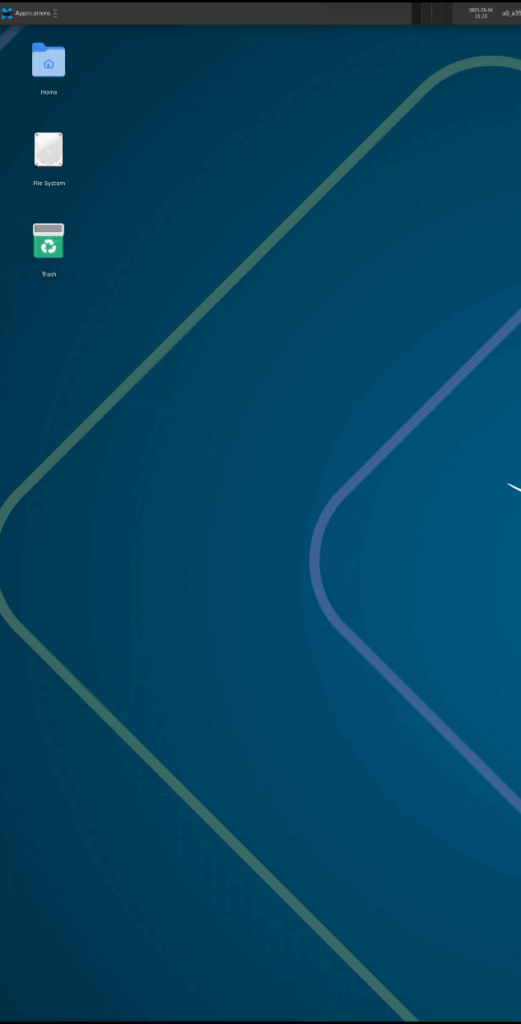
The desktop should now start successfully.